
Enhance Your Minecraft Experience with Texture and Resource Packs
Minecraft, the globally acclaimed sandbox game, continues to captivate players with its boundless creativity and open-ended gameplay. One of the ways to augment your gaming experience is through the use of texture and resource packs. These packs can dramatically change the aesthetic of your game, from the simplest block to the entire environment, providing a fresh and visually stunning experience. In this comprehensive guide, we’ll walk you through the best texture and resource packs available in July 2026 and offer a detailed tutorial on how to implement them into your game.

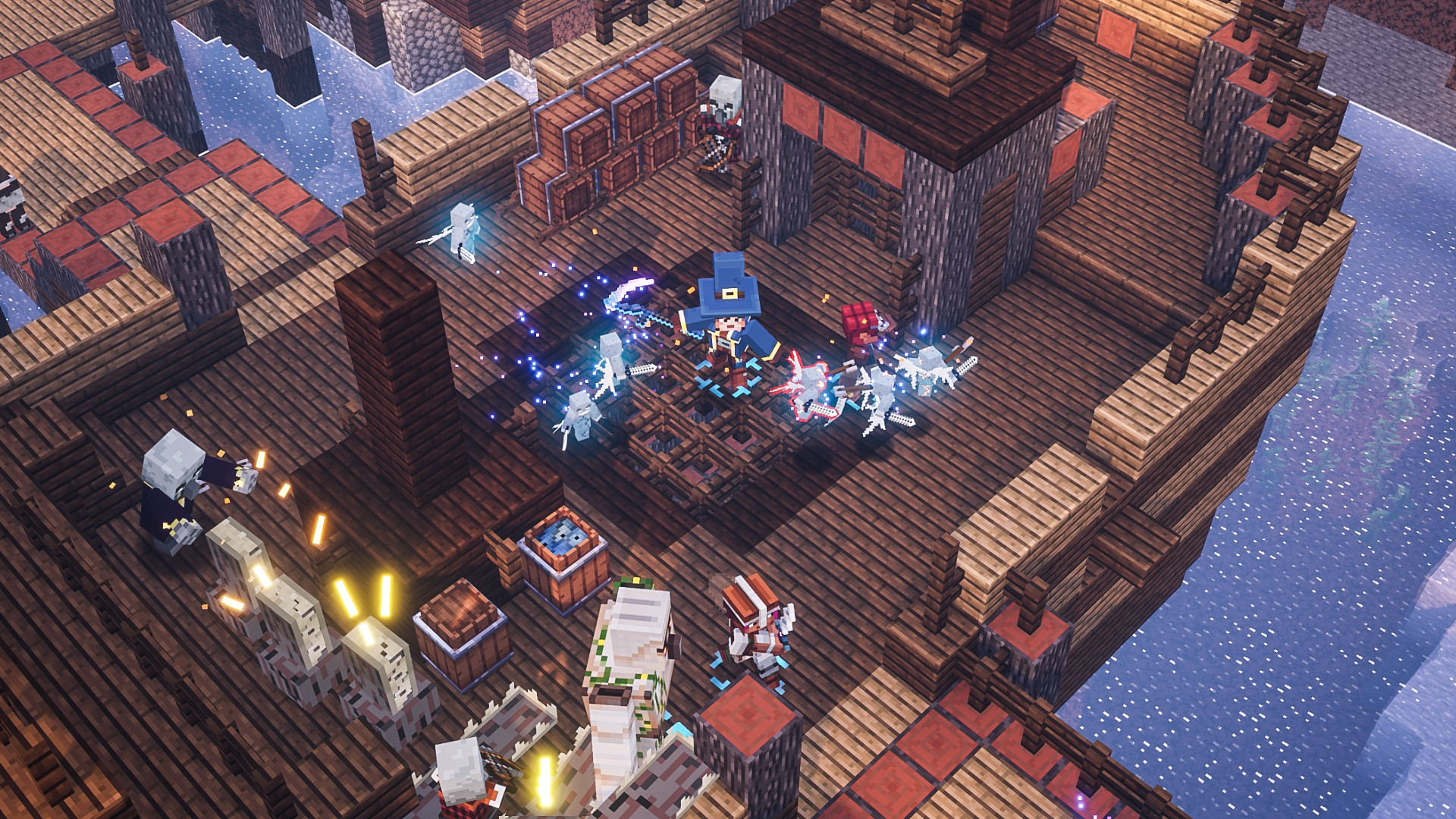
Understanding Texture and Resource Packs in Minecraft
Texture packs and resource packs are add-ons that alter the visual and audio aspects of Minecraft. While texture packs mainly focus on changing the look of the game, resource packs can also modify sounds, language files, and more, allowing for a more immersive experience. They are essential for players looking to personalize their game world or simply seeking to enhance the game’s visual and sound quality.
Top Texture and Resource Packs for July 2026
| Pack Name | Description | Key Features |
|---|---|---|
| PureBDcraft | A comic book styled texture pack that adds vibrant colors and details. | High-resolution textures, support for mod packs. |
| Faithful 32×32 | A higher resolution version of the default Minecraft textures, keeping the original feel. | Enhanced clarity, minimalist changes. |
| SEUS PTGI | Shader compatible resource pack that brings realistic lighting and shadow effects. | Path tracing, real-time lighting. |
| John Smith Legacy | Rustic and medieval-themed textures perfect for classic builds. | Detailed block textures, medieval aesthetic. |
Implementing Texture and Resource Packs in Minecraft
- Download: Start by downloading your chosen texture or resource pack from a trusted source.
- Access Game Files: Open Minecraft and navigate to “Options” > “Resource Packs” > “Open Resource Pack Folder.”
- Copy Files: Drag and drop the downloaded pack file (usually a .zip) into the opened folder.
- Activate Pack: Go back to Minecraft, the pack should now be visible under “Available Resource Packs.” Select the pack to move it to “Selected Resource Packs” for activation.
- Enjoy: Exit the menus and return to your game to see the new textures in action.

Pro Tips for Managing Packs
- Compatibility: Always ensure your chosen pack is compatible with your Minecraft version to avoid any issues.
- Performance: Higher resolution packs can impact performance on less powerful systems; consider lower-resolution alternatives if needed.
- Layering: You can layer multiple resource packs for a unique combination of features.
Frequently Asked Questions
Can I use texture packs with mods?
Yes, many texture packs are compatible with popular mods, but always check for compatibility notes provided by the pack creators.
Are texture packs and resource packs the same?
Texture packs specifically alter the game’s visual elements, while resource packs can also change sounds and other aspects.
How can I improve performance with high-resolution packs?
Consider using optimization mods like Optifine, which can help manage resources better and improve performance.
Conclusion
Texture and resource packs can significantly enhance your Minecraft experience by providing new visual and auditory elements. By following this guide, you can easily select and apply the best packs available in July 2026, personalizing your adventure and keeping the game feeling fresh. Dive in and create a world that reflects your unique style!
작성 · 정리 기준
- 작성 황금게임코드모아 편집팀 · 게임 코드·공략 정보 정리
- 정리 기준 공개된 게임 코드 자료와 공식 게임 채널 정보를 참고해 정리하고 월 단위로 갱신합니다.
- 이용 안내 코드·수치는 업데이트 시점에 따라 달라질 수 있으니 게임 내에서 최종 확인하시기 바랍니다.